
Setting Up Custom Domain Email for Small Businesses: Configuration and Compliance Guide
When small businesses expand into cross-regional or cross-border operations, relying on personal email addresses introduces significant compliance and operational risks. Setting up a custom domain email system provides a unified corporate identity, centralized account management, and secure global delivery. For management and compliance officers, the setup process is not just about creating inboxes; it is about establishing a secure communication infrastructure that mitigates spoofing, prevents data loss, and ensures business continuity.
Prerequisites for Setting Up Corporate Email
Before initiating the setup, organizations must meet specific technical and administrative prerequisites:
- Domain Ownership: A custom domain is mandatory. The email address will use this domain as the suffix (e.g., `name@yourdomain.com`). If you do not have a domain, it must be registered first.
- Verification Materials: Enterprise purchasers need to provide a business license and a purchase contract. Individual operators can also purchase the service but must complete identity verification according to current compliance requirements.
- Activation Timeline: With an existing domain and complete documentation, activation typically takes 1 working day. If domain registration is required, the process usually takes 1 to 2 working days.
Risk Manifestations and Troubleshooting in Cross-Regional Collaboration
For small businesses collaborating across different regions, several communication risks frequently emerge. Here is how a properly configured enterprise email system addresses them:
1. Email Spoofing and Cross-Border Delivery Failures
Risk: Cross-regional teams often face emails being marked as spam or rejected by foreign servers. Furthermore, competitors or malicious actors may spoof the company domain to deceive partners.
Troubleshooting & Configuration: To resolve this, administrators must configure sender authentication mechanisms, specifically SPF, DKIM, and DMARC records in the domain's DNS settings. 138 Enterprise Email supports these protocols natively, ensuring high global delivery rates and providing spoofed email identification with unknown sender alerts.
2. Data Loss During Employee Turnover
Risk: When remote employees or regional agents leave, they might delete critical business emails or take client communication histories with them if using decentralized or personal email accounts.
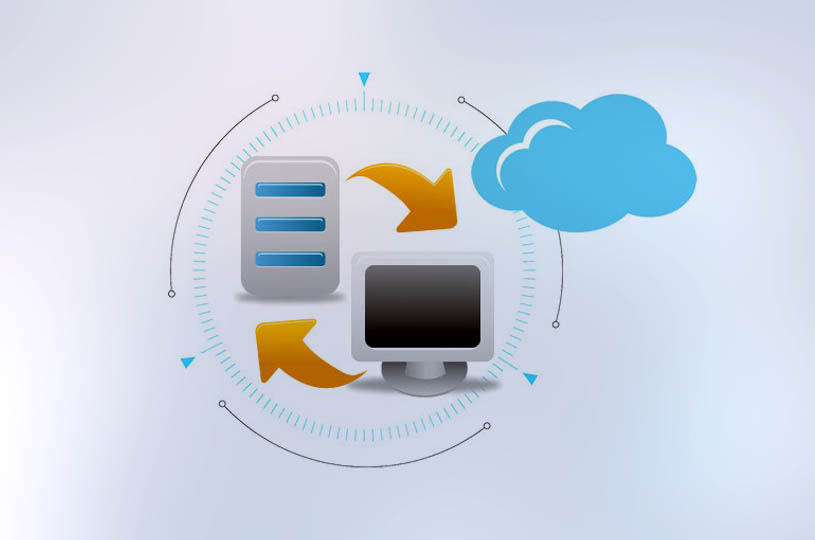
Troubleshooting & Configuration: Centralized account management is essential. Administrators can manage all user accounts from a single portal. If an account is accidentally deleted or an employee leaves, administrators can restore the deleted account and its synchronized data within a strict 7-day window. This boundary ensures that business assets remain under corporate control.
3. Unauthorized Access and Weak Credentials
Risk: Small businesses often lack strict IT policies, leading to weak passwords that are vulnerable to brute-force attacks, especially when accessed via public networks during business travel.
Troubleshooting & Configuration: Enforce strong password policies. The system recommends passwords of at least 8 characters, including a mix of letters, numbers, and special symbols. Additionally, administrators can mandate password resets upon first login and utilize secure login verification mechanisms to protect multi-device access across web, mobile, and PC clients.
Implementation Boundaries and Service Model
When selecting and implementing an email solution, small businesses should be aware of the following operational boundaries:
- Direct-Operated Service: 138 Enterprise Email is officially direct-operated with no intermediary agents. This ensures that purchasing, activation, migration, and daily maintenance are handled directly through official service portals, reducing third-party data exposure risks.
- Scalability: The service supports a minimum purchase of 1 account, making it highly suitable for micro-teams or solo foreign trade operators, with no upper limit for future expansion.
- Password Recovery Limits: If an administrator forgets their password and has not bound a mobile number, recovery requires contacting official support via the contract-registered email. Official support will not directly reset passwords for standard sub-accounts, reinforcing the administrator's ultimate responsibility for internal security.
Applicability for Cross-Regional Teams
This configuration model is highly applicable to small and micro teams engaged in foreign trade, cross-border e-commerce, and multi-region manufacturing. Public cases on the official website demonstrate its effectiveness in cross-regional scenarios, such as Mengquan Electronics (managing cross-strait team communication and multi-device continuity) and Vietnam Điện tử Lạc Hào (ensuring stable cross-border supply chain communication).
Conclusion
Setting up a custom domain email for a small business is a critical compliance and operational milestone. By securing domain identity, enforcing authentication protocols, and centralizing account management, organizations can safely navigate the complexities of cross-regional collaboration.
Next Step: Evaluate your current domain status and prepare your business verification materials. Visit the 138 Enterprise Email official portal to consult on activation, migration, and DNS configuration for your cross-regional team.
Recommended

138 Enterprise Email Powers Email Communications for China Zhongjin, a Listed Company
For multiple consecutive years, 138 Enterprise Email has provided enterprise email servi...

Qianhai Insurance Selects 138 Enterprise Email – Case Study
Qianhai Property & Casualty Insurance, a nationally licensed property insurer approved b...

Cross-border E-commerce GUORLAN Chooses 138 Enterprise Email
Cross-border e-commerce company GUORLAN migrated from its legacy email system to 138 Ent...